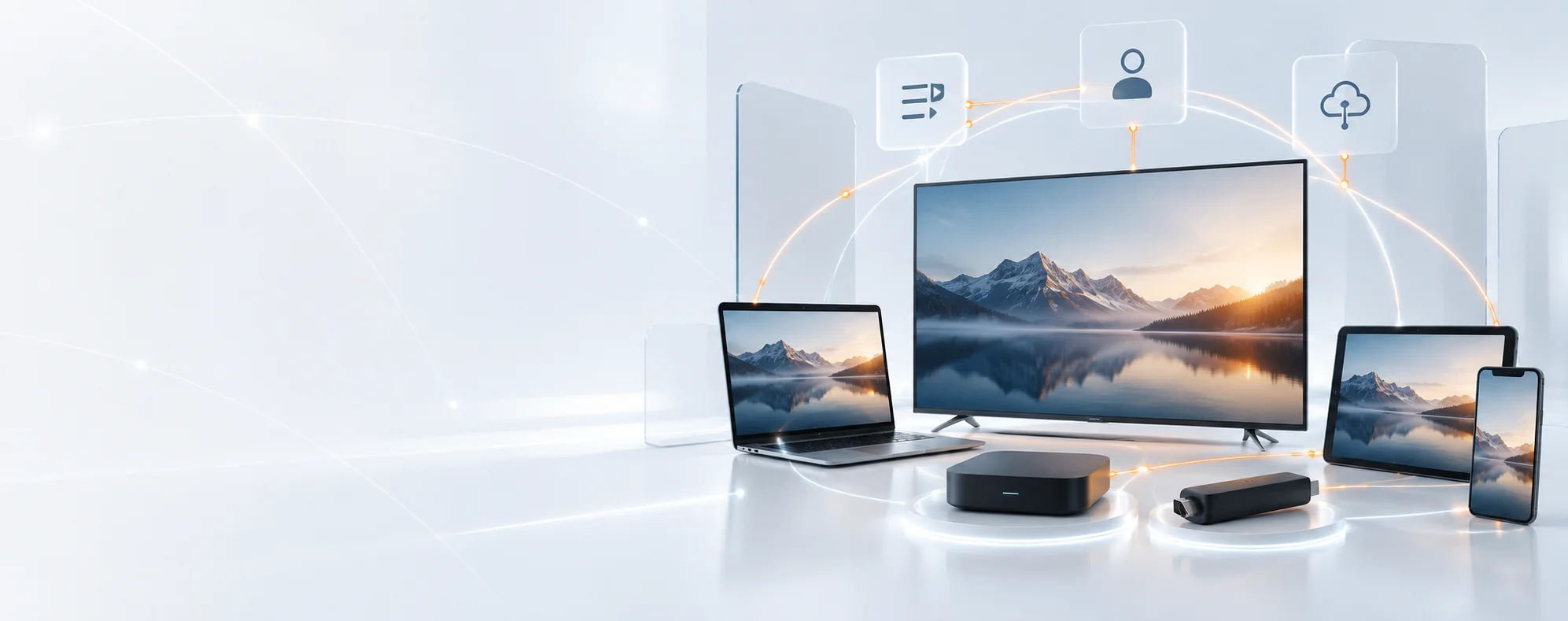
TREX IPTV compatible smart TV, streaming box, mobile, tablet and computer devices

Device and app compatibility

TREX IPTV Compatible Devices, Apps & Login Formats

Match your television, streaming device or mobile platform with a suitable player and connection option before requesting a trial or choosing a subscription.

  • M3U
  • Xtream Codes
  • Stalker Portal

Compatibility starts with the operating system

Your TV Brand Does Not Decide Which App Will Work

Samsung normally uses Tizen and LG uses webOS, but Sony, TCL, Philips and Hisense televisions can use different systems across models and countries. Check the operating system and regional app store before choosing a player.

01

Identify the operating system

Open Settings and look for About, Support or Device Information. Record Tizen, webOS, Android TV, Google TV, Fire OS, Roku TV or VIDAA.

02

Search the device’s own store

An app listed by its developer may still be unavailable on a particular model or country storefront. Confirm the app on the device itself.

03

Match the login fields

Choose a player that accepts the format you will receive: an M3U link, server URL with username and password, or portal URL with MAC registration.

Example: A Hisense television might run Google TV, VIDAA or Roku TV. The brand name alone cannot confirm whether TiviMate or another player can be installed.
Check My Device

Compatible options across popular device ecosystems

Samsung, LG, Android TV, Google TV, Fire TV, Apple TV, Formuler, MAG, Windows and Roku compatibility options

Brand and platform names belong to their respective owners. Availability varies by model and region.

TREX DEVICE & APP CHECKER

Find the Right App for Your Device

Choose your device, tell us whether a player is already installed, and select the login format you have. The checker will identify the safest setup route before you request a trial.

This checker never asks for a password, playlist URL, portal URL or MAC address.
Step 1 of 3
What device will you use?

Choose its operating system where possible. A television brand can use more than one system.

Android & Google TVTiviMate accepts M3U, Xtream Codes and Stalker Portal credentials.
Samsung & LG TVsConfirm the player in the exact television’s regional app store before ordering.
Formuler & MAGCheck the exact box model; portal and MYTVOnline support can vary by hardware.
RokuUse a compatible HDMI streaming device when a verified native player is unavailable.

CHOOSE BY APP AND LOGIN FORMAT

Four Practical Apps for Different TREX Setups

The correct player depends on the device and the login format supplied with your subscription. Installing an app alone does not include channels or activate access.
TREX IPTV compatibility with TiviMate on Android TV and Google TV
TiviMate
TREX IPTV compatibility with MYTVOnline on supported Formuler devices
MYTVOnline
TREX IPTV compatibility with STBEmu for Stalker Portal access
STBEmu
TREX IPTV compatibility with iSTB on Apple TV iPhone and iPad
iSTB
01

TiviMate

Best suited to Android TV, Google TV and Nvidia Shield. Its verified TV listing supports M3U playlists, Xtream Codes and Stalker Portal connections.

Android TVM3UXtreamStalker
02

MYTVOnline

Designed for Formuler hardware. Check the exact box model and installed MYTVOnline version before requesting a connection format.

FormulerModel CheckPortal Ready
03

STBEmu

Made for Stalker and MAG-style portal emulation on Android devices. STBEmu does not accept an M3U playlist, and setup is better suited to experienced users.

AndroidStalker PortalAdvanced
04

iSTB

A broad Apple option for Apple TV, iPhone and iPad. Its verified listing covers M3U, Xtream Codes and Stalker or MAC-based access.

AppleM3UXtreamStalker

Check the publisher before installing. Similar app names can belong to different developers. Use the device’s official store whenever a verified listing is available.

KNOW YOUR LOGIN TYPE

M3U, Xtream or Stalker?

Compare connection types

M3U Playlist

One private playlist URL

Common with playlist-based players

Xtream Codes

Server address, username and password

Used by many TV and mobile players

Stalker Portal / MAC

Portal URL and registered device MAC

For compatible portal-led apps and boxes
Never post login details, playlist URLs or MAC addresses publicly.

DEVICE · APP · FORMAT

TREX Device and App Compatibility Matrix

Match the operating system with a suitable player and connection type. A device brand alone is not enough because app availability can change by model, software version and region.

Supported by the named app Confirm app, model or store Not supported or not verified
Compatibility of common television devices, player apps and TREX connection formats
Device or OSRecommended playerM3UXtreamStalker / MACCheck before use
Android TV / Google TV Sony, TCL, Philips, Nvidia Shield and certified boxesTiviMateRemote-first TV interfaceSupportedSupportedSupportedInstall the television version from Google Play rather than a touch-screen phone build.
Samsung Smart TV Tizen or an older Samsung television systemSmartOneOnly when listed on the exact TVSupportedSupportedNot verifiedSearch the television’s regional app store. Availability varies by model and software.
LG Smart TV webOS, NetCast or another LG television systemSmartOneOnly when listed on the exact TVSupportedSupportedNot verifiedConfirm the operating system and regional store listing before choosing the login format.
Amazon Fire TV Fire TV Stick, Cube or Fire TV televisionVerified Fire TV playerAvailability depends on region and storeApp checkApp checkApp checkUse the Amazon Appstore or the verified developer source. Avoid mirrored APK files.
Apple TV / iPhone / iPad tvOS and iOS devicesiSTBIPTVX is another option for M3U and XtreamSupportedSupportediSTBConfirm Apple TV support when the goal is television viewing; an iPhone-only app is insufficient.
Formuler Z-series and other supported Formuler boxesMYTVOnlineVersion depends on the Formuler modelModel checkModel checkModel checkRecord the exact box model and installed MYTVOnline version before requesting access.
MAG Box Portal-led Infomir or compatible deviceBuilt-in portal interfaceNot a general playlist applicationNot this routeNot this routePrimary routeConfirm the exact MAG model and portal compatibility before sharing the device MAC privately.
Hisense VIDAA Hisense television running VIDAASmartOne, if availableConfirm on the television itselfStore checkStore checkNot verifiedHisense also sells Google TV and Roku TV models. Identify the operating system first.
Roku Roku TV, Streaming Stick or playerNo verified native routeAn external HDMI device is advisedNot verifiedNot verifiedNot verifiedScreen mirroring is not equivalent to a native app. Add a compatible Fire TV, Google TV or Apple TV device.
Windows / macOS Desktop or laptop computerFormat-matched desktop playerChoose after the login type is confirmedPlayer availablePlayer checkPlayer checkVLC can open compatible network playlists but does not replace a complete Xtream- or portal-aware TV interface.

BEFORE REQUESTING A TRIAL

Have These Setup Details Ready

Tick what you already know. The checklist stays in your browser and does not submit or store any information.

Trial preparation checklist
Request a Compatible Trial Ask Us to Choose

Never post a live password, playlist URL, portal URL or MAC address publicly.

A PRACTICAL FALLBACK PATH

When Your First TV App Does Not Work

Work through these checks in order. Most compatibility problems can be solved without replacing your television.

  1. 01

    Use the Native TV App

    Check the exact TV model, operating system and regional app store.

  2. 02

    Try Another Verified Player

    Choose a player that supports your device and supplied login method.

  3. 03

    Confirm the Login Format

    Match the player with M3U, Xtream Codes or Stalker Portal access.

  4. 04

    Add an HDMI Device

    Use a compatible Fire TV, Google TV, Android TV or Apple TV device.

  5. 05

    Request Guided Setup

    Share the model, OS, app and format—never public credentials.

STILL UNSURE?

Test the setup before choosing a plan.

COMMON COMPATIBILITY PROBLEMS

Fix the Device or Login Mismatch First

Open the symptom that matches your screen. Check one cause at a time before changing the application, device or account details.

GUIDED COMPATIBILITY TRIAL

Test the Format You Plan to Use

Use the trial under your normal viewing conditions. A successful test on a different app, device or network does not confirm the setup you intend to keep.

  • Same device
  • Same application
  • Same connection format
  • Same home network
  • Same normal viewing hours