
Submit Your Device Details
Select the device, application and connection format you want to test. Choose “Help me decide” if you are unsure.
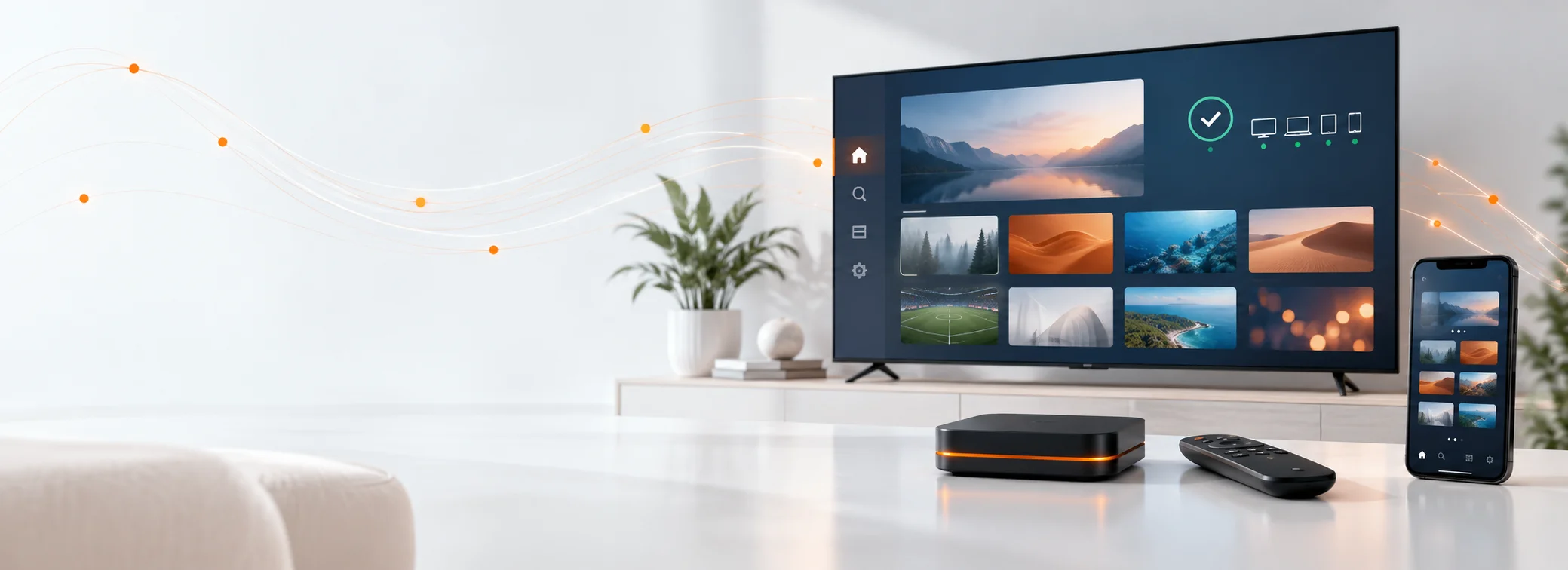
24-Hour Compatibility Trial
Test TREX on your own device and application before choosing a paid subscription. Request M3U, Xtream Codes or Stalker Portal access and check playback, navigation and regional availability during the 24-hour trial.
24-HOUR COMPATIBILITY CHECK
Tell us which device and player you use so the correct connection format can be prepared.
What happens next
After you submit the trial form, we match the access method to your device and send the details you need to begin testing.
Select the device, application and connection format you want to test. Choose “Help me decide” if you are unsure.
We send the trial credentials and initial setup instructions to the WhatsApp number or email address entered in the form.
Check playback, navigation, regional categories and general compatibility using the device and application you normally watch on.
Check your setup
Use the trial on the equipment you normally watch on. Your player determines whether you need an Xtream Codes login, M3U playlist or Stalker Portal connection.
Smart TVs, Fire TV, Android TV boxes, phones, tablets, computers, MAG boxes and Formuler devices.
Test with IPTV Smarters, TiviMate, STBEmu, MYTVOnline or another compatible playlist, Xtream or portal player.
Quick connection guide
Your trial checklist
Test TREX under the same conditions you expect to use later. Mark each check as you complete it and use the progress panel to track what remains.
01 · Connection test
02 · Content check
03 · Setup check
04 · Login check
Testing tip: Use the same internet connection, device and application you plan to use after purchasing. Results from another setup may not represent your normal viewing conditions.
Trial information
Review how temporary access is prepared, when the testing period begins and which details can vary by region.
Prepared for your setup
One temporary trial connection for compatibility testing.
M3U, Xtream Codes or Stalker Portal access based on your selected device and player.
Testing on the device and application entered in the request form.
Basic guidance for entering the supplied login or portal details.
Trial credentials sent through the WhatsApp number or email address you provide.
Before access is issued
Trial availability is checked before temporary credentials are activated.
The 24-hour testing period begins when the trial access is activated.
Use the trial on one compatible setup so the result reflects your intended device and application.
Regional categories, languages and availability can change as the service is updated.
A trial checks compatibility; it does not reserve or extend a paid subscription.
Free trial questions
Find practical answers about trial duration, supported devices, access formats and what to do after completing your compatibility test.
The trial remains active for 24 hours from the time the temporary access is activated.
No. The trial request does not require card information. Your WhatsApp number is required so the credentials can be delivered, while email is optional.
Depending on device and player compatibility, trial access can be prepared as M3U, Xtream Codes or Stalker Portal.
Compatible options include Smart TVs, Fire TV, Android TV devices, phones, tablets, computers, MAG boxes and Formuler devices.
Common options include IPTV Smarters, TiviMate, STBEmu and MYTVOnline. Other compatible M3U, Xtream Codes or portal-based players may also work.
The period begins when the trial credentials are activated, not when the request form is submitted.
Trial access is intended to confirm compatibility on one setup. Additional trial requests may require manual approval.
Categories, languages and availability can differ by region and may change as the service is updated.
Check the application, selected connection format and entered credentials first. Contact support if you need help choosing another compatible setup method.
Yes. After confirming compatibility, you can compare the available subscription durations on the TREX IPTV pricing page.
Ready to test your setup?
No card details are required. Select your device, application and preferred connection format in the trial request form.