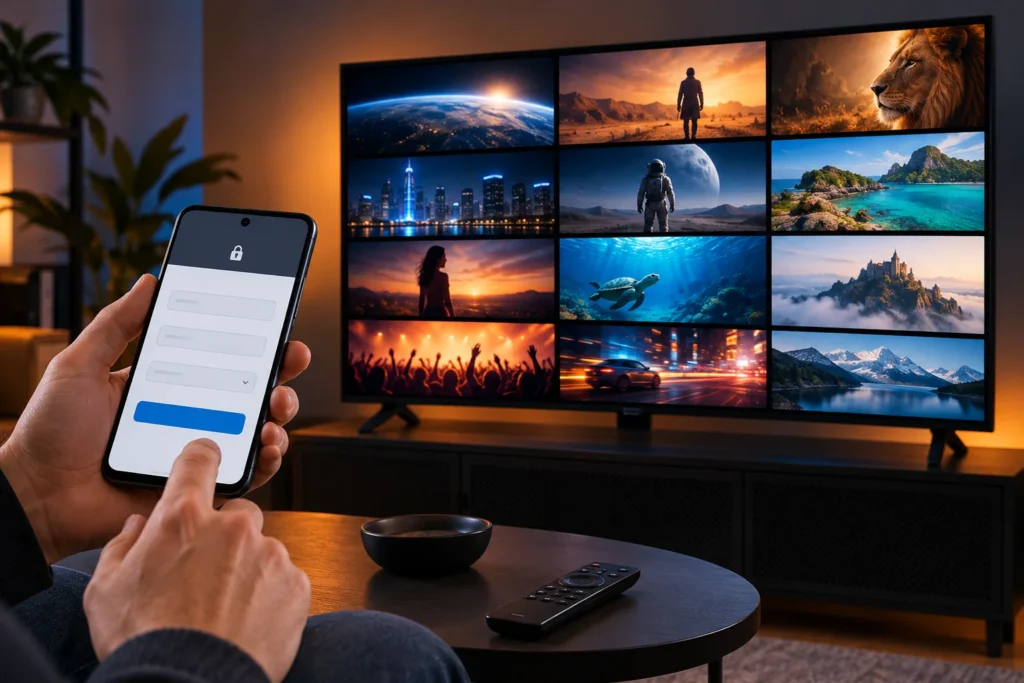
You can use Trex OTT on a compatible Samsung Smart TV through a Samsung TV IPTV player. Install the player from the TV’s Apps store, then add the M3U link or Xtream login supplied with your Trex subscription. Do not try to install an Android APK on a Samsung Tizen TV. Samsung says its TVs install apps available in their own App store; the apps shown depend on the TV model and region. Samsung’s app instructions explain the store route.
This guide uses SmartOne IPTV as a concrete example to set up Trex OTT on Samsung TV because its developer documents Samsung support and both M3U and Xtream input. SmartOne is a separate player, not the Trex subscription. Check that it appears on your TV before buying a player activation. SmartOne describes its supported formats, while Samsung notes that an app missing from the store may be incompatible with a particular TV. Samsung’s compatibility guidance also suggests an external streaming device in that case.
What to prepare for Trex OTT on Samsung TV
You need an internet-connected Samsung Smart TV, a Samsung account for access to TV apps, and a Trex subscription or trial with one of these login types:
| Trex details supplied | What to enter in the player |
| M3U URL | The complete playlist link, including its query parameters |
| Xtream login | Server address, port if supplied, username, and password |
| Stalker portal and MAC activation | A player that specifically supports Stalker, plus the portal and activation instructions for that device |
Ask the Trex seller which format your particular line supports. A portal address is not an Xtream server login, and a MAC address alone is not an M3U playlist. The steps below cover M3U and Xtream; do not enter a Stalker portal in either field. Keep the login private because the playlist URL may contain your credentials. For a fuller explanation of the two formats, see the Xtream Codes and M3U comparison from Mega OTT; that guide covers connection formats rather than Trex-specific credentials.
Install a compatible player on the Samsung TV
- Press Home on the Samsung remote and open Apps.
- Select Search and look for SmartOne IPTV. Confirm the developer and app name before installing; similarly named IPTV apps can use different setup screens.
- Select Install, then Open. If SmartOne is absent, search for another player whose own documentation confirms support for your Trex login type. Availability varies by TV and country.
- Record the TV MAC shown inside the player if it asks you to link a playlist from another device. Use the address shown by that player, not a MAC copied from another device.
The first two menu steps follow Samsung’s Apps instructions. A signed-in Samsung account is required for its network-based app services. Do not pay an app fee until its compatibility and your Trex login both work; any player charge is separate from a Trex subscription.
Add your Trex OTT login

SmartOne’s playlist page provides separate entries for an Xtream account and an M3U playlist. Open that page on a phone or computer and use the TV MAC shown in SmartOne. Follow the current prompts on the player’s own site; its page labels may change.
If Trex supplied Xtream details
Choose the Xtream account option. Enter the player’s TV MAC, a name such as “Trex,” the server address, a port if your Trex details include one, and the exact username and password. SmartOne’s form separates the server address and port. If your seller sent only a full M3U URL, ask for the server details or use the M3U method instead. Save the entry, then reopen or reload SmartOne on the TV. SmartOne’s setup form shows the fields.
If Trex supplied an M3U link
Choose the M3U playlist option, add the TV MAC and a playlist name, and paste the complete link exactly as sent. Save it and reload the player on the TV. Do not post the link in a comment or screenshot: M3U URLs can expose subscription credentials. The SmartOne playlist form has an M3U field distinct from the Xtream account fields.
Open a live channel after the list loads. Then check a movie or series if those are included in your line. An empty guide alone does not establish that the subscription is inactive; first confirm that playback works, then ask for the EPG (programme guide) details if the guide remains blank.
Samsung TV apps compatible with Trex OTT
| App name | Supported login | Advantage | Disadvantage |
| SmartOne IPTV | Stalker portal, M3U, Xtream Codes | Supports all three Trex login methods in one app. | Requires setup through its website using the MAC shown in the app; player activation may cost extra. |
| Smart STB+ | Stalker-style portal, M3U | Good option for a portal-based subscription. | Plus version requires a Samsung TV from 2020 or newer. Some guide and timeshift features do not work with M3U. |
| Smarters Player | M3U, Xtream Codes | Includes a programme guide and parental controls. | Stalker support is not listed. Check the exact app name because similar names exist. |
| IPTV Panda Player | M3U, Xtream Codes | Lets you add a playlist by QR code or directly in the app. | Stalker support is not listed. |
| Stalker Player | Stalker/Ministra portal | Designed specifically for compatible portal services. | Requires a supported portal and login; a separate license key may be needed. |
Before choosing: Confirm which login type your Trex subscription includes and search for the app on your Samsung TV. App availability varies by TV model and region.
Common problems on Samsung TVs
The player does not appear in Apps
Search for the exact app name, confirm the TV is online and signed into a Samsung account, and check Settings → Support → Software Update → Update Now. Menu names vary by model. If the app still is not listed, choose a different compatible TV player or connect an external device that supports your preferred player. Samsung says only available App store apps can be installed on its TV platform.
The playlist will not load

Check that you selected the right format, copied the full URL or all four Xtream fields, and linked the MAC displayed inside the player. Ask Trex support to confirm whether the line is active and which server address applies. If the credentials work in another compatible player but fail only in this one, contact the player developer with the error message. Do not send a password in a public post.
The app freezes or closes
First restart the TV fully, check for a software update, and reinstall the app after saving your login details. Samsung recommends this order for apps that freeze or fail to open. Reset Smart Hub only as a later step: it signs you out of Samsung and other TV apps, so you will need their login details again.
Channels load but playback stalls
Test another channel, then test another app on the same network. If all video apps struggle, check the connection or try Ethernet. If only Trex channels fail while other apps work, give Trex support the affected channel names and approximate time. If the playlist works on another device but not this TV, compare the player and TV model before assuming the service itself is down. No player setting can guarantee uninterrupted streaming.
Conclusion
To set up Trex OTT on Samsung TV, start by confirming the login type Trex has issued and finding a Samsung TV player that supports it. For SmartOne, add the playlist through its site using the MAC displayed in the app, then reload and test playback. If the player is missing from your TV’s store, use another compatible player or an external streaming device instead of an Android APK.