Trex OTT on firestick set up requires a Trex OTT subscription and a compatible Amazon Fire TV Stick using the player app and login details supplied with your account. Check the model first: the Fire TV Stick 4K Select runs Vega OS, so an Android APK installation guide for a Fire OS stick does not apply to it. Amazon lists the 4K Select separately as a Vega device, and its app submission guidance requires a separate Vega package for an app to support that system.
This guide covers Fire TV Sticks running Fire OS. It explains both an app supplied by your Trex OTT seller and a third-party IPTV player. The player opens the streams; your subscription provides the account and playlist. Have your login message ready before you start.
Check your Firestick and your Trex OTT login
On the Fire TV home screen, open Settings → My Fire TV → About and note the device model. If it says Fire TV Stick 4K Select, ask your seller for a confirmed Vega-compatible app before buying or installing anything. An Android download code is insufficient evidence of compatibility.
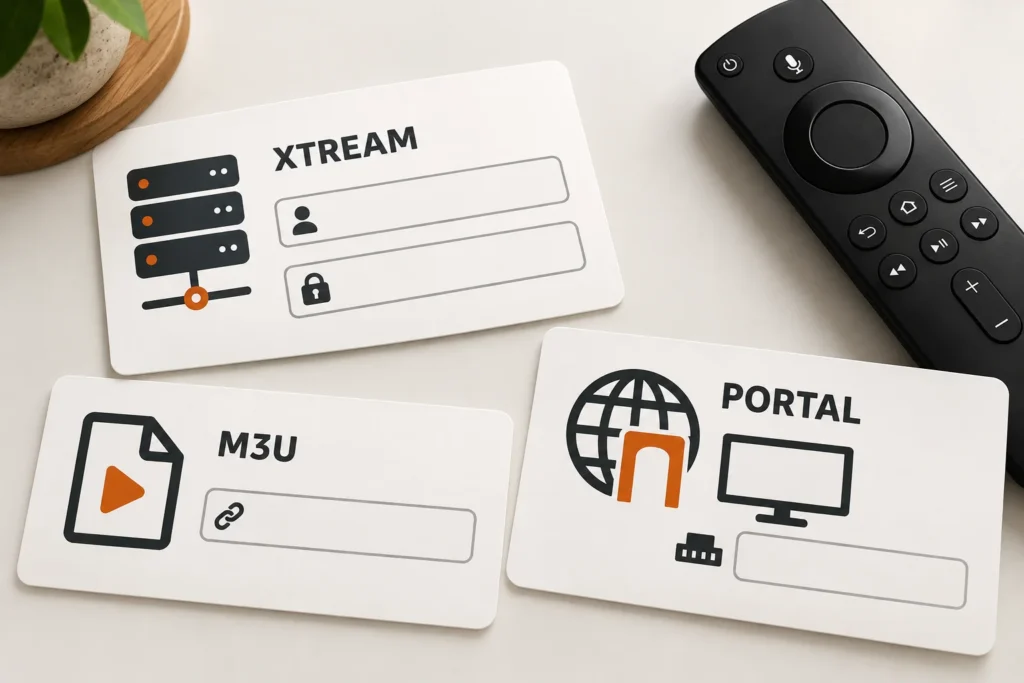
Look at the details your seller sent. They determine which login screen you should use:
| Details received | Select in a compatible player | What to enter |
| Server address, username and password | Xtream Codes or Xtream API | All three fields exactly as supplied |
| One complete playlist URL | M3U playlist | The full URL, including any query text |
| Portal URL and a registered MAC address | Stalker or portal login, if supported | The portal URL and the MAC registered to your account |
| Dedicated app instructions | The seller’s specified app | Its activation code or login, as instructed |
Do not paste a portal URL into an M3U field or assume every IPTV player supports Stalker. If the seller sent only a product name, request the exact supported login method and the correct app for your Firestick model. Keep passwords and playlist URLs private: a full M3U address can contain account credentials.
Install the player on a Fire OS stick
First, search the Amazon Appstore from the Fire TV home screen for the player your seller named. If that specific app is listed for your device, select Get and open it. A player installation alone does not include a Trex OTT subscription.
If your seller provides an Android APK that must be installed outside the Appstore, use the following route only after they confirm the download address and the app’s Fire OS compatibility:
- Install Downloader from the Amazon Appstore, if available on your Firestick.
- Open Settings → My Fire TV → Developer Options. If the menu is missing, select About, then press the select button on your device name seven times. Amazon documents this menu behavior for some software versions.
- Under Install Unknown Apps or Apps from Unknown Sources, allow installation for Downloader when that option is offered. Menu wording varies by Fire OS version.
- In Downloader, enter the exact current URL or code supplied by your seller. Confirm the destination and app name before installing. We have not verified a Trex OTT download code, so do not use a code copied from an unrelated website.
- Open the newly installed player and follow the login route matching your account details below.
Some Fire TV updates and models can change or block this installation route. If Downloader or its permission is unavailable, stop at the device check and request an Appstore-listed option from your seller. Do not reset the device or install a similarly named app on guesswork.
Add your Trex OTT account
Xtream Codes login
Choose the player’s Add playlist, Add user or equivalent option, then select Xtream Codes. Enter the server address, username and password exactly as provided. The server address may include http:// or https:// and a port number; preserve them. Give the app time to load the channel list, then open one channel to check playback. Player labels differ, so follow the on-screen field names rather than a menu name from a different app.
M3U playlist
Choose M3U playlist and paste the entire supplied URL. Do not remove the text after a question mark: it may identify your account. If the app has a separate programme-guide field, ask your seller whether they supply an EPG URL; an M3U link by itself does not establish that a guide is included.
Stalker portal or dedicated app
Use a player with an explicit Stalker/portal option if your account was activated for a MAC address. The MAC must be registered on your seller’s panel; generating or changing one in the player does not activate a subscription. If your seller instead supplied a dedicated Trex app, use its specific activation steps. Do not assume that the app uses the same credentials as an Xtream login.
Fix the problem you actually see
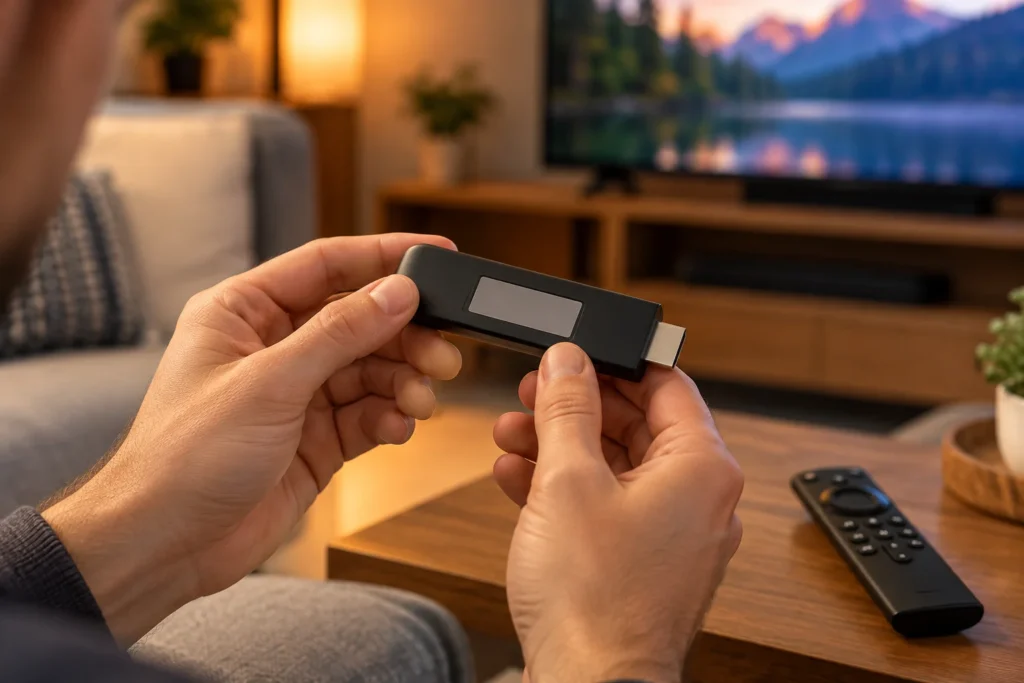
The app will not install
Recheck the Firestick model. A Fire OS Android APK cannot simply be treated as a Vega OS app on the 4K Select. On a Fire OS device, check that the download comes from the seller’s current source, that Downloader has the installation permission shown on your device, and that storage is available. If the device explicitly blocks the installation, request a supported app rather than trying random mirrors.
Login is rejected or the playlist stays empty
Compare the server address, username, password and subscription status with the original activation message. Check easily confused characters and keep any port in the server address. An M3U URL belongs in the M3U field; a portal URL belongs in a portal field. If the details match but the player still shows no channels, ask the seller to confirm account activation and the intended connection method.
Channels appear but do not play
Try another channel and confirm that other Fire TV apps can stream on the same connection. Restart the Firestick and the player, then check whether the account is in use on another device if your plan has a connection limit. These checks separate a device or connection problem from an account or individual channel problem; they do not prove the cause on their own. Amazon’s Fire TV support includes restart and app cache steps. Clearing app data can remove saved logins, so retain your credentials before using it.
Conclusion
Start with the model’s name and the login format your seller supplied. On a Fire OS stick, install a compatible player, then enter Xtream, M3U or portal details in the matching field. On a Fire TV Stick 4K Select, get explicit Vega app confirmation first. If your seller has not supplied a verified app source or complete login details, request those items before following any download guide.